
Free
- The full metronome
- The first two levels
- One scanned page
Piano practice coach for beginners
Turn a page of your own music book into exercises. Play on your piano or keyboard, and Kivlo shows the note it heard and waits for you at your pace.
Coming soon to the App Store and Google Play

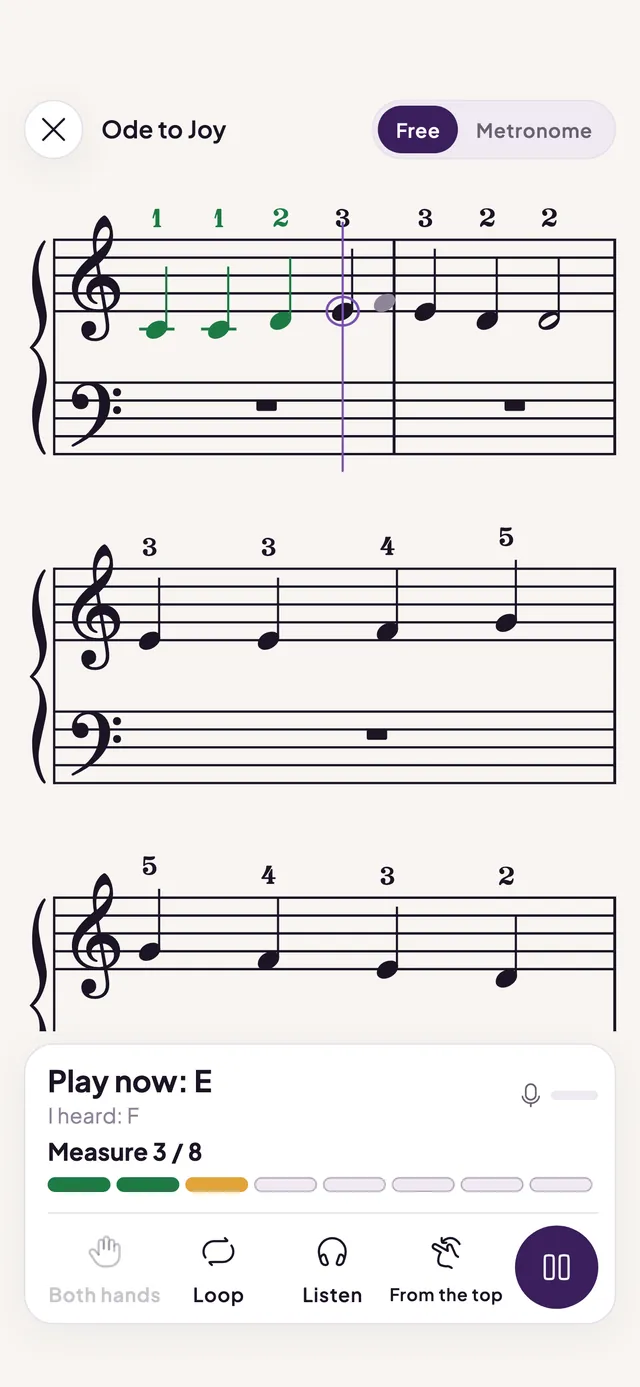
No signup. Start playing straight away.
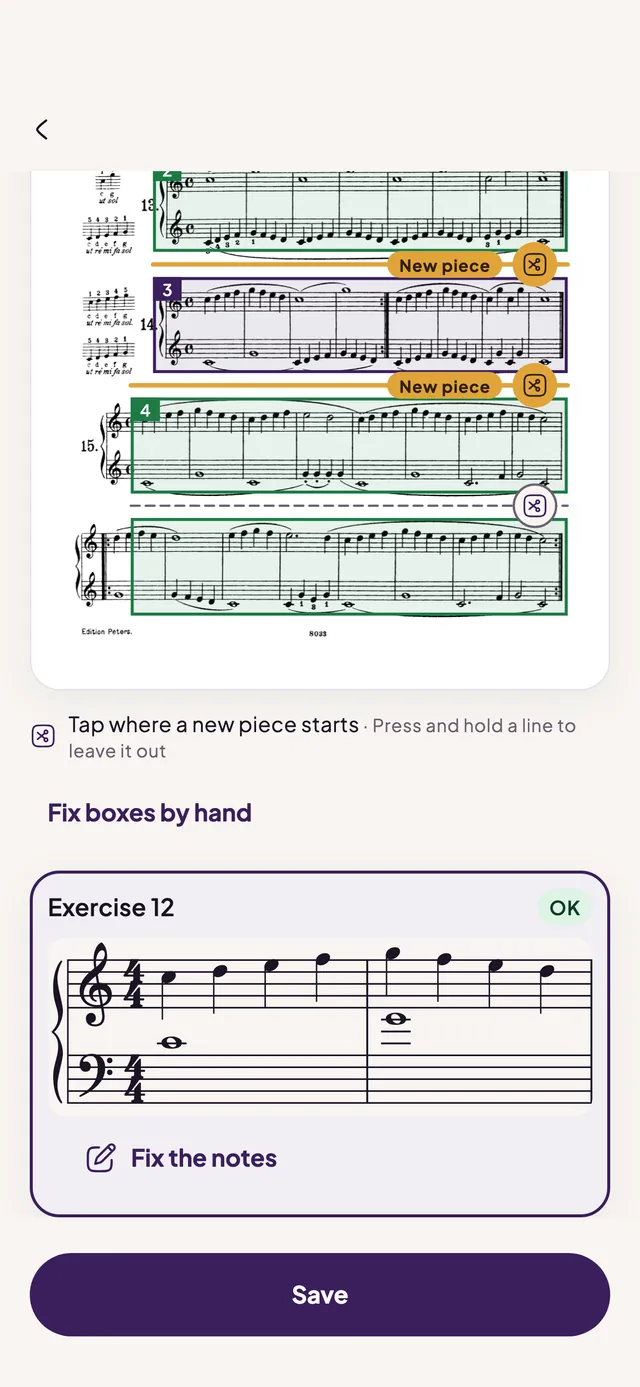
Photograph a page of your music book. The app straightens it, reads the notes and splits it into exercises. Check them against the photo and fix any note.
Play on your piano or keyboard. The screen shows the note to play beside the note the app heard, and free tempo waits for you.
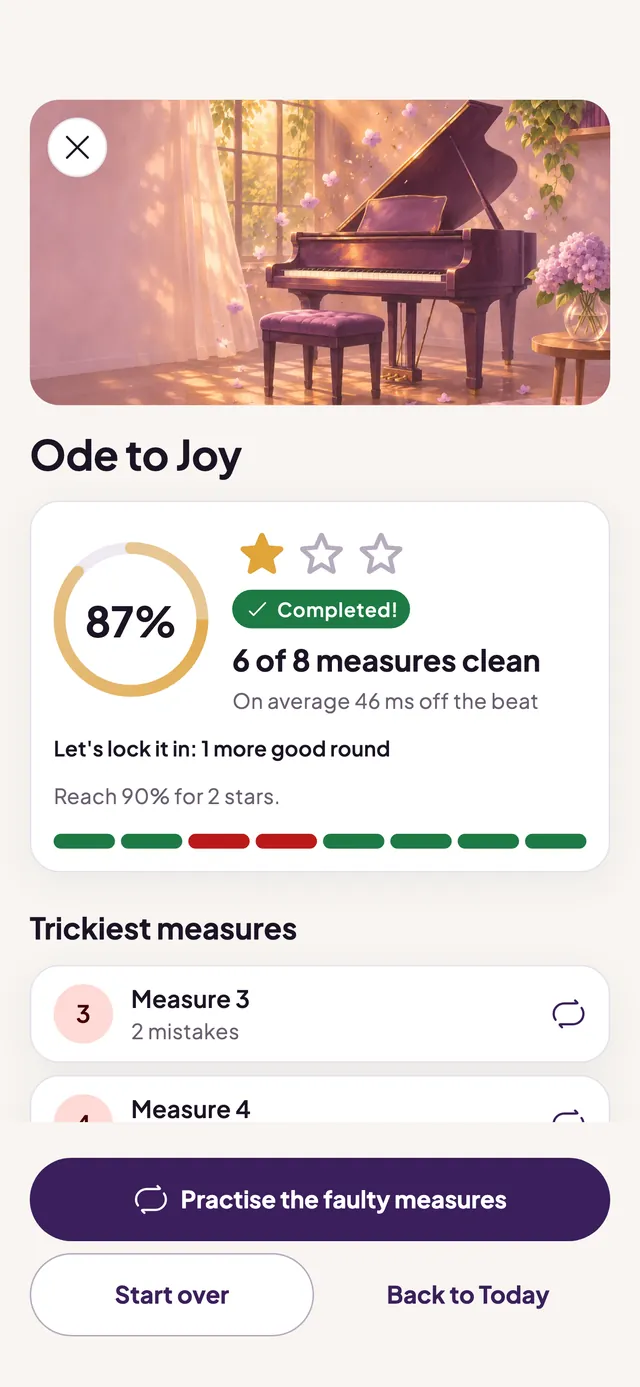
After each exercise you see which bars were clean and which tripped you, then practise just those bars.
Screens from the Kivlo app; the room illustrations are the app's own artwork
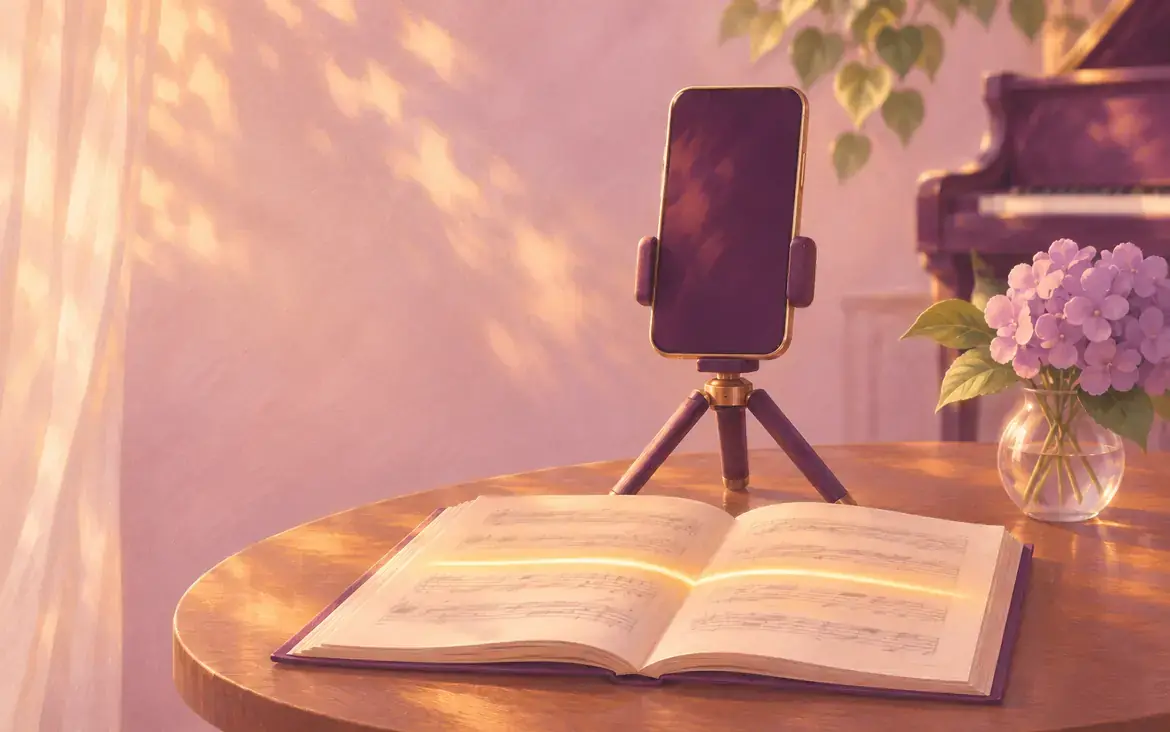
Photograph a page and it becomes exercises. Check each one next to the photo and correct any note before you play.

The microphone hears your piano or keyboard, and a MIDI keyboard works too. Your audio is analysed on your phone and never leaves it.

Free tempo waits for the right note. Metronome mode keeps the beat and marks each note right or wrong, early or late.

See which bars were clean and which tripped you, and practise only those bars.

From your first notes to playing with both hands, with a full metronome and optional practice reminders.

Choose who is learning: you, your child or both. For children the app adapts its pace.
Levels take you there step by step, with the metronome and reminders at hand.
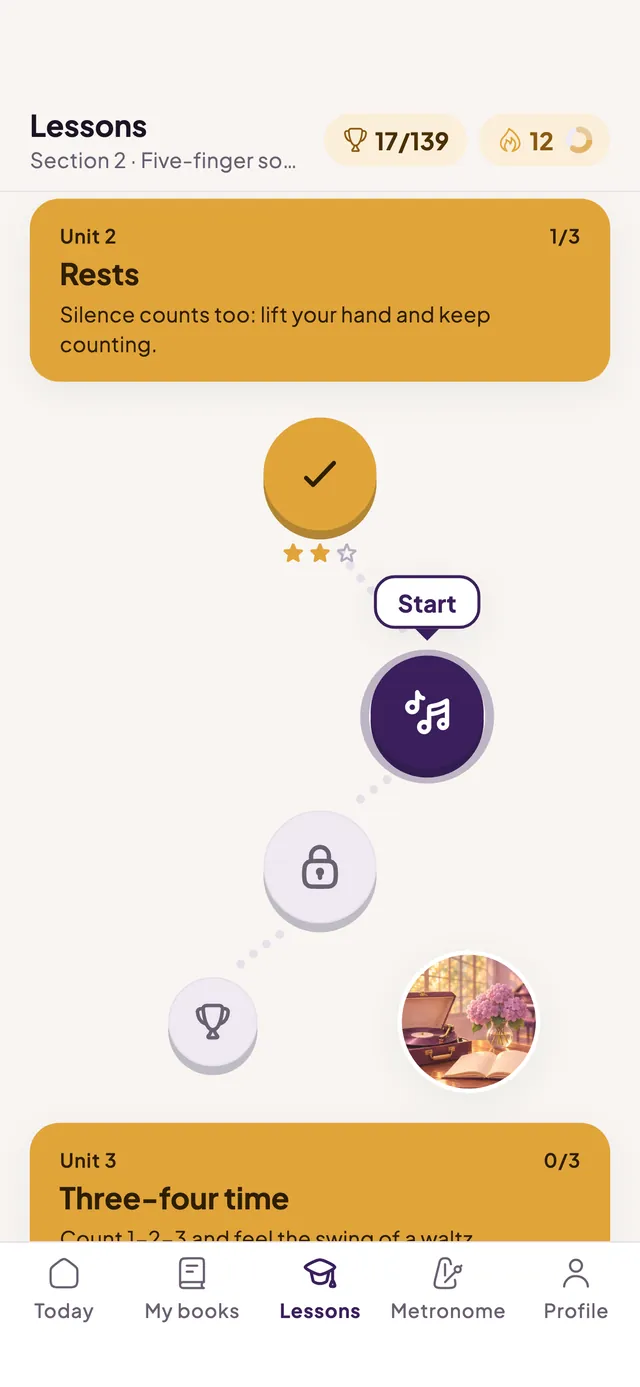
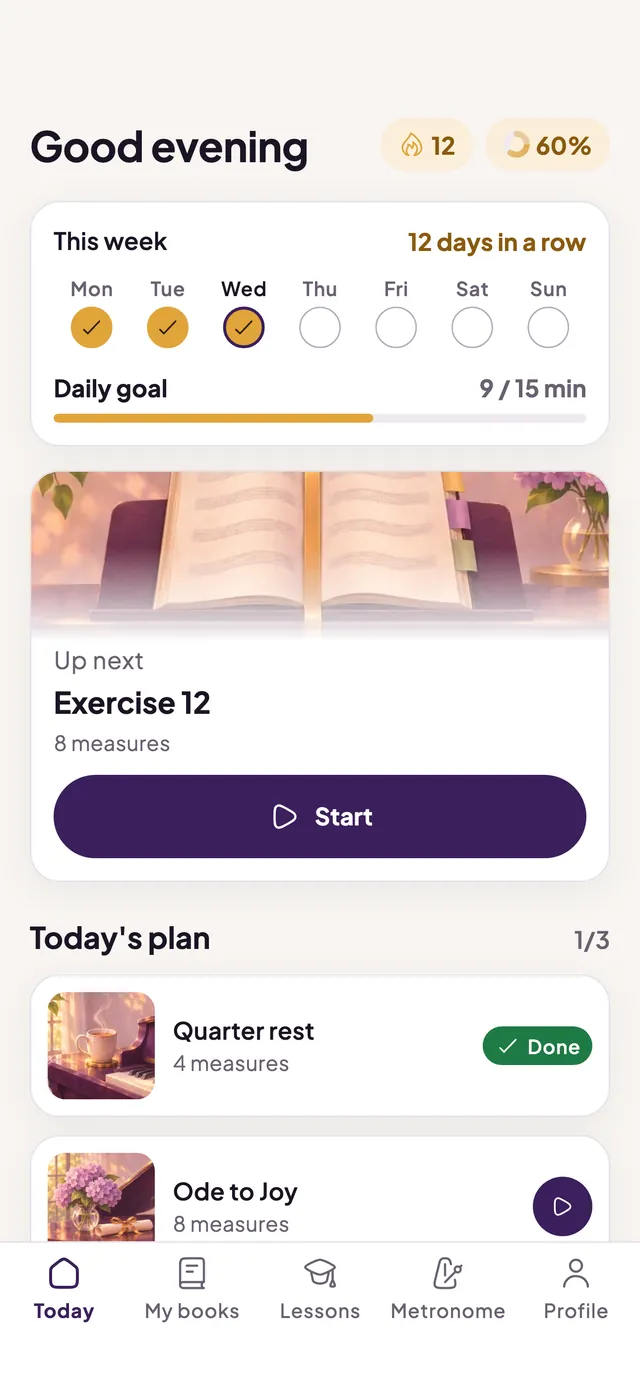
Choose who is learning: you, your child or both.
The privacy policy has a section on children.

If you are looking for one of these, you are in the right place.
That is what Kivlo is built around: scan a page of your book and it becomes exercises you can play, checked against the photo first.
It listens through your phone's microphone to an acoustic piano, a digital piano or a keyboard and shows the note it heard beside the note to play. Metronome mode marks each note right or wrong, early or late.
Choose your child, or both of you, as the learner. The app adapts its pace, writes reminders to the parent and asks a parent check before any purchase. No ads, no account.
Tell the app how much you already know, play at your own pace with free tempo, and practise only the bars that still trip you.
Connect your MIDI keyboard to your phone and play. For an acoustic or digital piano, the microphone does the job.
Levels take you from your first notes to playing with both hands, and the first two levels are free.
Kivlo is a practice aid, not a replacement for a teacher. Scanning can misread notes, so check each exercise against your book before you rely on it.
Free to start, with optional in-app purchases.
Your store shows the price and renewal terms before you confirm, and you cancel in your store's subscription settings. See the Terms of Use.
No account, no ads and no advertising ID. We do not ask for your name; an email address only if you add one to a feedback message.
The microphone audio is analysed on your phone and never leaves it.
A scanned page goes to our own scan service, with no third-party AI. The photo is deleted after processing and the straightened page image and result after 24 hours.
Children can use the app with a parent. See what is collected.
You can delete your data in the app, or ask us to delete what is on our servers: how to delete your data.
The full detail is in the Privacy Policy.
You can use the full metronome, the first two levels and one scanned page for free. Kivlo Pro unlocks every level and up to 200 scanned pages a month. It is sold as a yearly plan with a 7-day free trial for those eligible, a monthly plan, or a one-time lifetime purchase. Your store shows the price and renewal terms before you confirm. See the Terms of Use.
No. There is no signup, no password, and the app does not ask for your name. An email address is asked for only if you choose to add one to a feedback message.
No. Microphone audio is analysed on your phone while you play and is never saved or sent anywhere. See what we collect.
The photo goes to our own scan service for recognition and is deleted once it has been processed. The straightened page image and the result are kept for 24 hours, then deleted automatically. No third-party AI service is involved.
Yes, together with a parent. The app has no ads, no account and no advertising ID, and it asks a parent check before purchases. The privacy policy has a section on children.
An acoustic piano, a digital piano or a keyboard through the microphone, or a MIDI keyboard connected to your phone.
In the app open Settings, then Support and legal, then Delete my data. It deletes your records on our server and everything stored on your phone, but does not cancel a subscription. If the app is no longer installed, the data deletion page explains how to ask by email.


Free to start. No account needed.
Coming soon to the App Store and Google Play